






Bluetooth diagnostics that solve the “check engine” guessing game
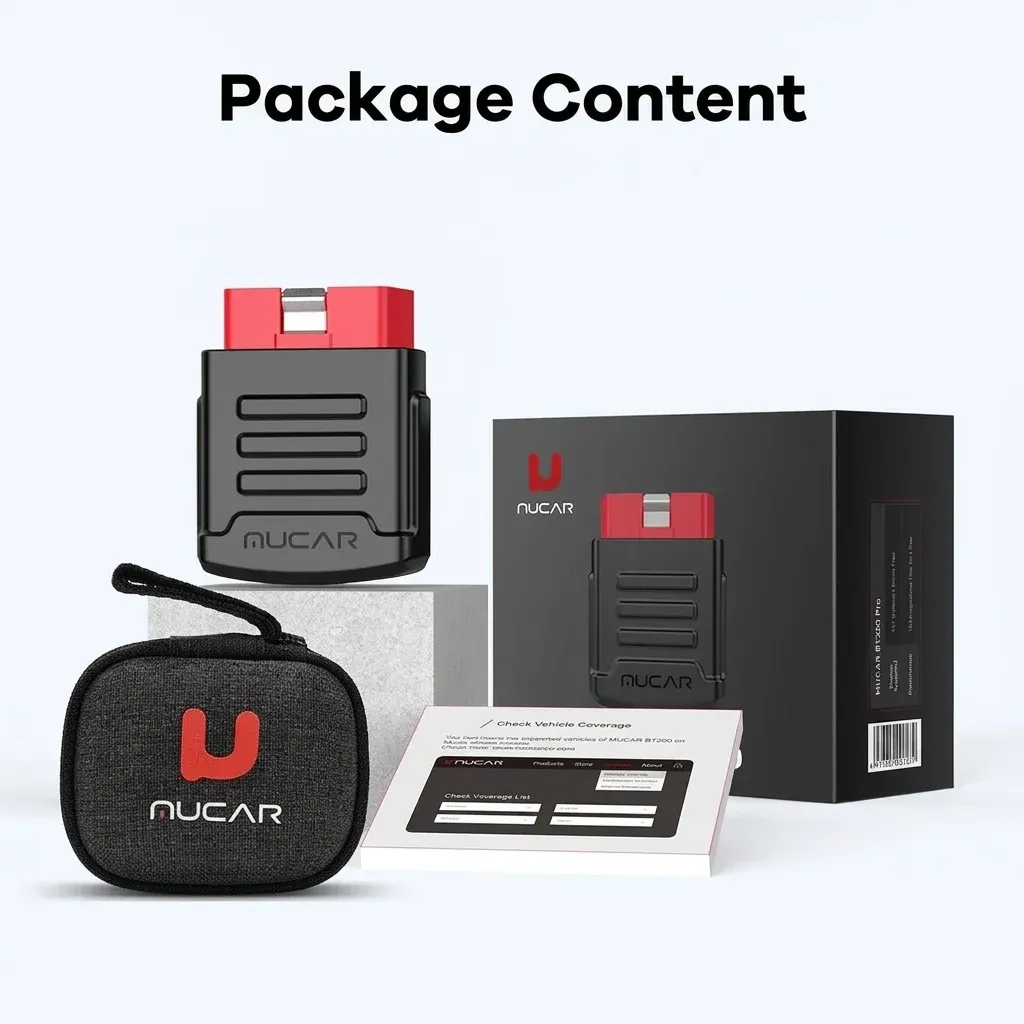
The MUCAR BT200/BT200 Pro is built for drivers who want faster answers than a dashboard warning light can provide. Its Bluetooth design keeps the scanner out of the way while your phone handles the interface, which is the kind of setup that fits modern AliExpress car accessory buyers looking for a practical, mobile workflow.
Brand-wise, Mucar has earned attention in this niche by focusing on broad vehicle coverage, frequent software updates, and app-based tools that feel more current than many basic code readers. That matters here because the BT200 series is not just a fault-code reader; it is meant to become a repeat-use diagnostic companion, so how that translates in real use is worth a closer look.
What full-system scanning changes in daily use
Instead of limiting you to engine codes, the BT200 line is designed for all-system diagnosis, which can help reveal issues in ABS, airbag, steering, and other modules when the vehicle supports them. Users report that it picked up vehicles quickly, including models that were recognized almost immediately, which suggests the Auto VIN function can save time before you ever open a menu.
This is where it separates itself from a simple ELM327-style adapter: you get a more structured diagnostic path, not just raw code access. For home mechanics, that means fewer dead ends when a warning light appears, and for used-car checks it can expose hidden faults before a purchase decision becomes expensive.
15 maintenance resets: useful, but not equally available on both versions
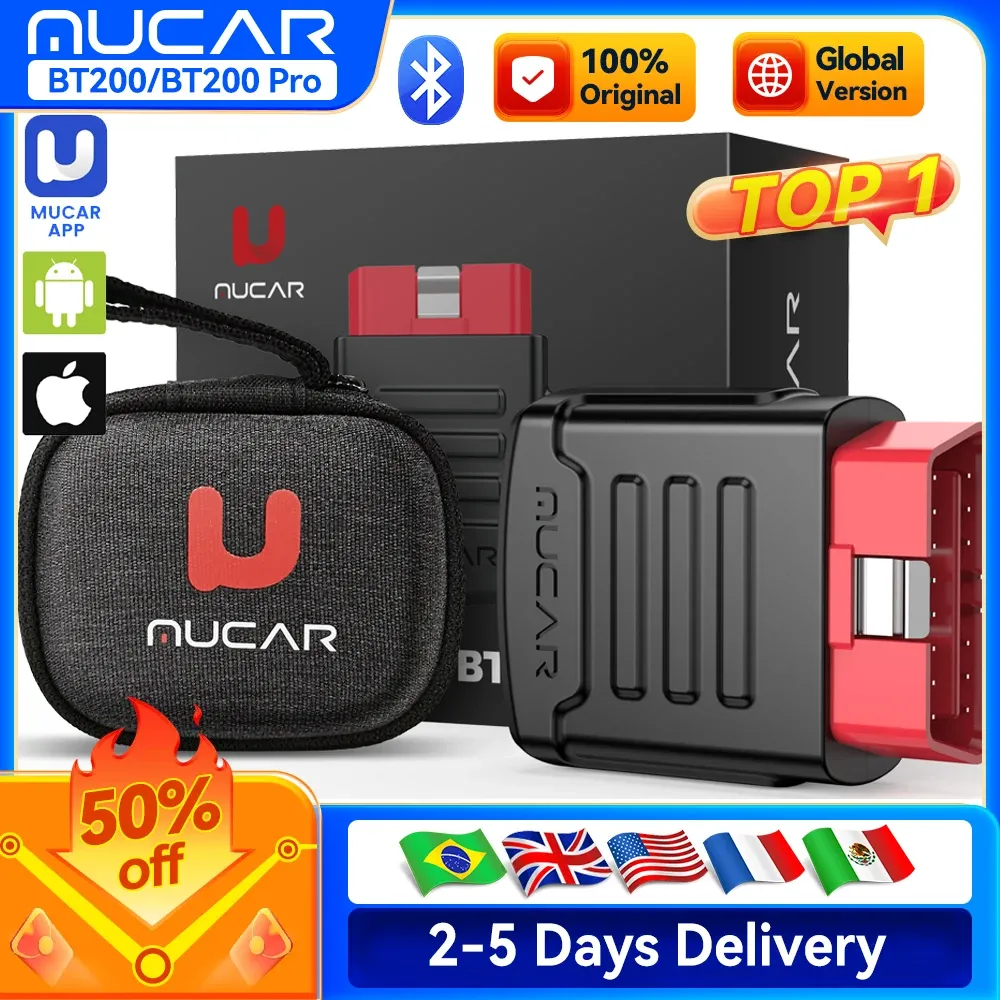
The maintenance menu is the main reason many users move beyond a basic scanner, and the BT200 Pro is the stronger option here. It supports up to 15 reset functions, including Oil, EPB, brake, battery, DPF, SAS, TPMS, IMMO, ABS, suspension, gearbox, throttle, and gear learning, while the standard BT200 is limited to two resets for one year.
That difference matters because service functions are what turn a scanner into a workshop tool rather than a code viewer. If you service your own car, the Pro version gives more room to handle routine jobs after brake work or sensor replacement, and that makes the upgrade path easy to understand—what do you actually need from your garage setup?
Live data that is easier to read than raw fault codes
The 4-in-1 live data stream is one of the most practical features because it shows working values instead of only stored errors. On a phone screen, that can make idle stability, sensor behavior, and drivability issues easier to interpret than a single trouble code, especially when you are comparing readings before and after a repair.
According to users, the device feels stronger than a basic OBD dongle on brands that are often difficult for generic tools, and one recurring theme in reviews is that it reads more systems than expected for the class. That said, software support still matters as much as hardware, which is why the app and phone compatibility deserve attention next.
Phone compatibility and brand limitations you should know first
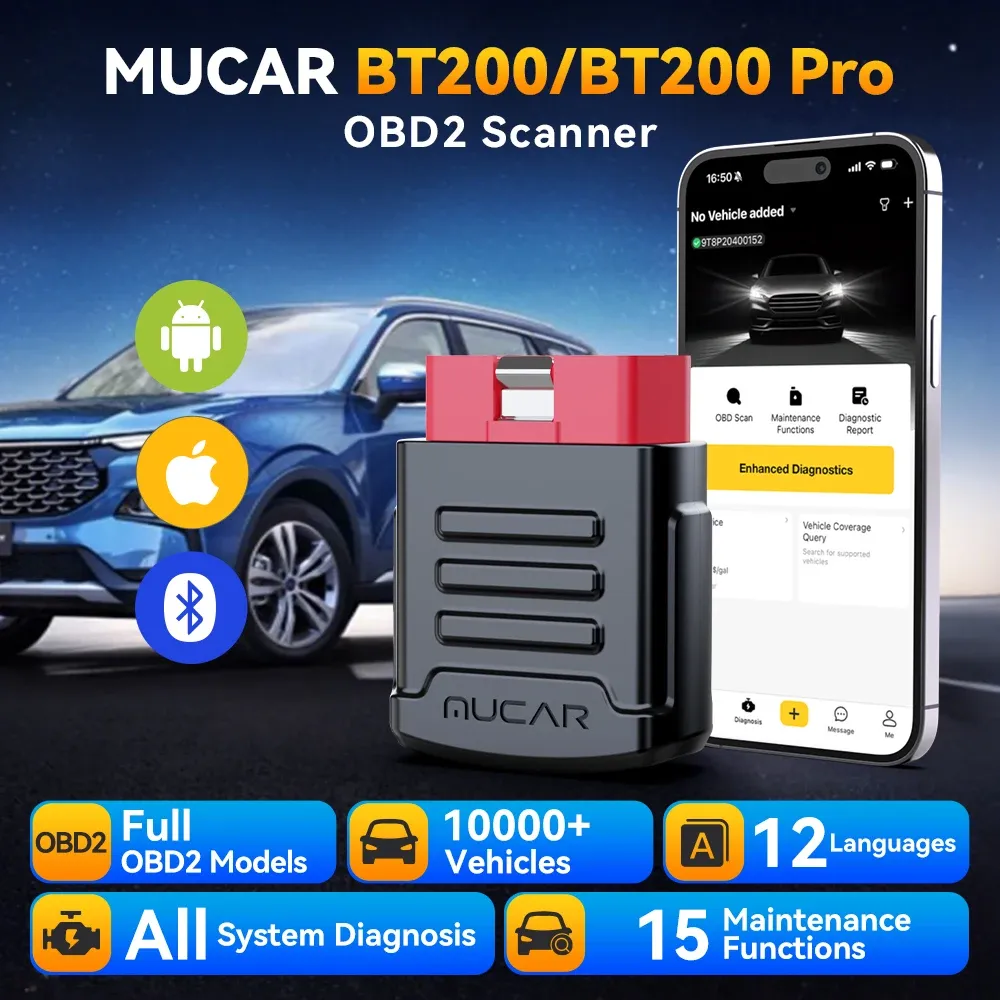
The MUCAR app works with Android 5.0 and iOS 9.0 or above, and Bluetooth pairing keeps the scanner compact at just 0.2 kg. The interface is convenient for quick checks in the driveway, though the experience depends on the phone you use and the vehicle brand you are working on.
There is one important limitation: several brands are listed as not supported on iOS and should be used with Android instead, including Fiat Brazil, GM Brazil, Changan, GWM, BYD, JAC, Chery, and others. That is a serious compatibility note rather than a footnote, so buyers should verify their car before relying on the scanner for a specific job.
Who gets the most value from the BT200 Pro?
The Pro version makes the most sense for DIY owners, used-car shoppers, and small garage users who want broader service functions without moving to a much more expensive tablet scanner. Real customer feedback is generally strong, with an average rating of 4.4/5 across 104 reviews, and the praise centers on quick recognition, broad system access, and fast delivery.
The standard BT200 is better suited to drivers who mainly want code reading and a couple of reset tasks, while the Pro is the one to choose if you expect to use the tool across multiple repairs. If your routine includes maintenance lights, module checks, or pre-purchase diagnostics, the extra functions are where this scanner starts to earn its place in the glovebox.