







Turns a cable-heavy cabin into a cleaner wireless setup
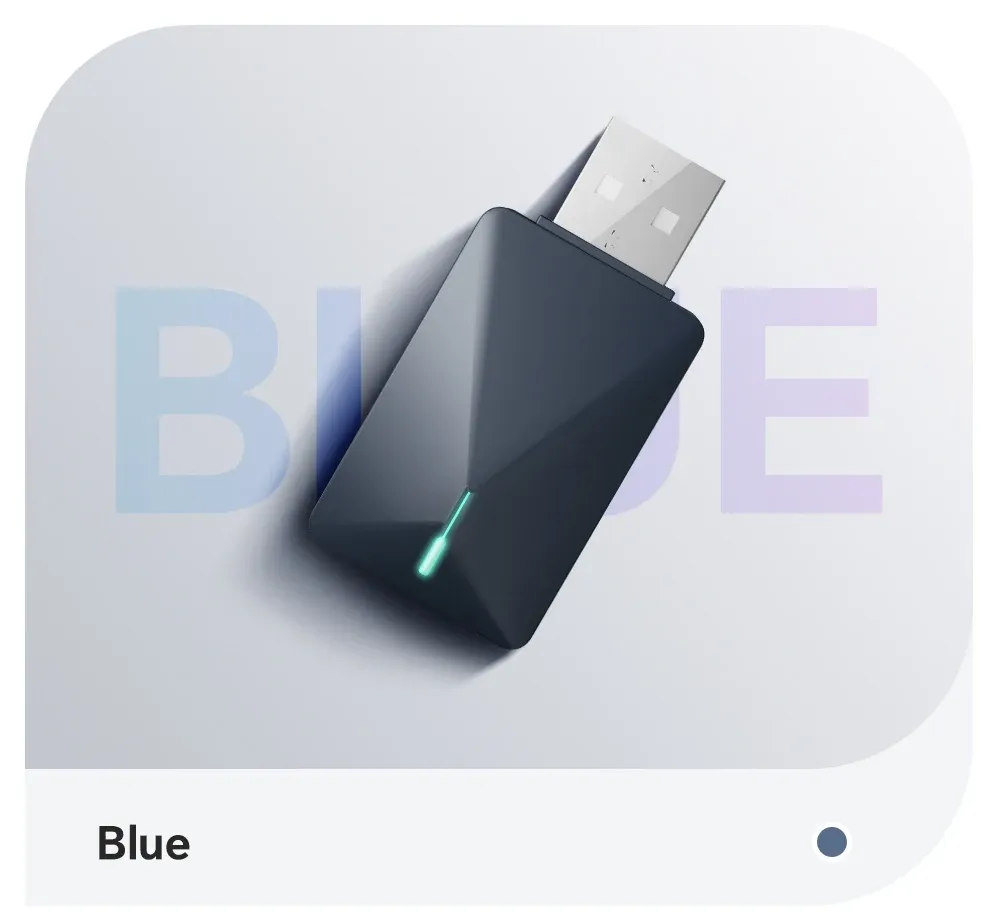
The XUDA mini adapter solves a simple problem: many factory infotainment systems still rely on a USB cable for CarPlay or Android Auto. Once installed, it removes that daily plug-in routine and keeps the center console tidier, which matters most on short commutes and frequent stop-start trips.
Its value is strongest for drivers who already have wired smartphone integration and want a low-cost wireless upgrade. At this level, the real question is not whether it adds premium features, but whether it makes the existing system easier to live with.
What the 2-in-1 design actually changes
This unit supports both wireless CarPlay and wireless Android Auto, so one dongle can serve different phones across the same car. That flexibility is useful in households where one driver uses iPhone and another uses Android, even though the device can connect to only one phone at a time.
The switch between platforms is handled through pairing and a short reset cycle, which takes about 30 seconds according to the product instructions. That is not instant, but it is a practical compromise for a compact adapter in this price range, and it keeps the hardware simple rather than overloaded.
Compatibility matters more than the dongle itself
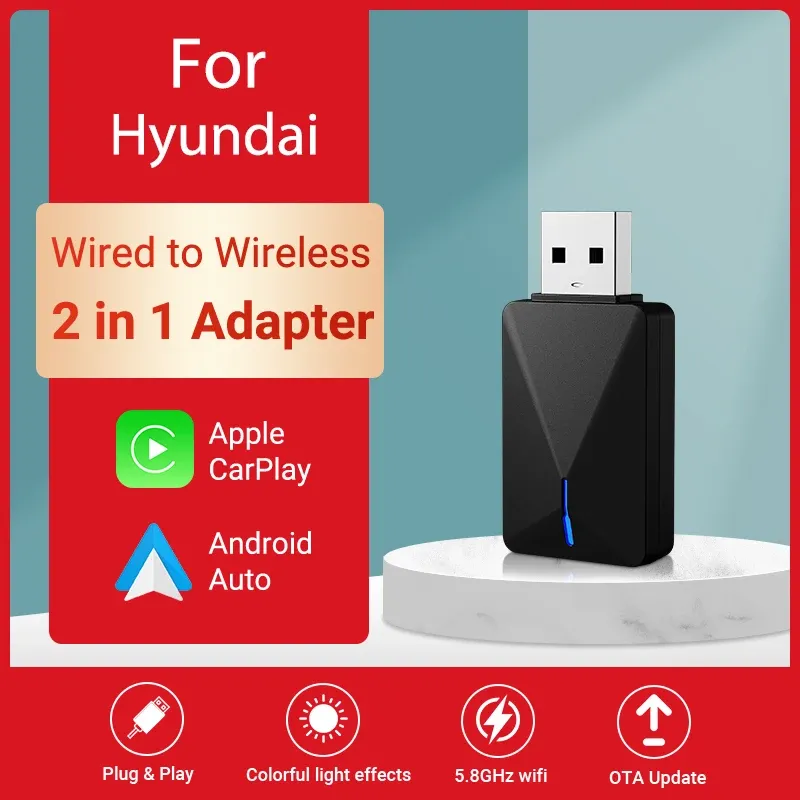
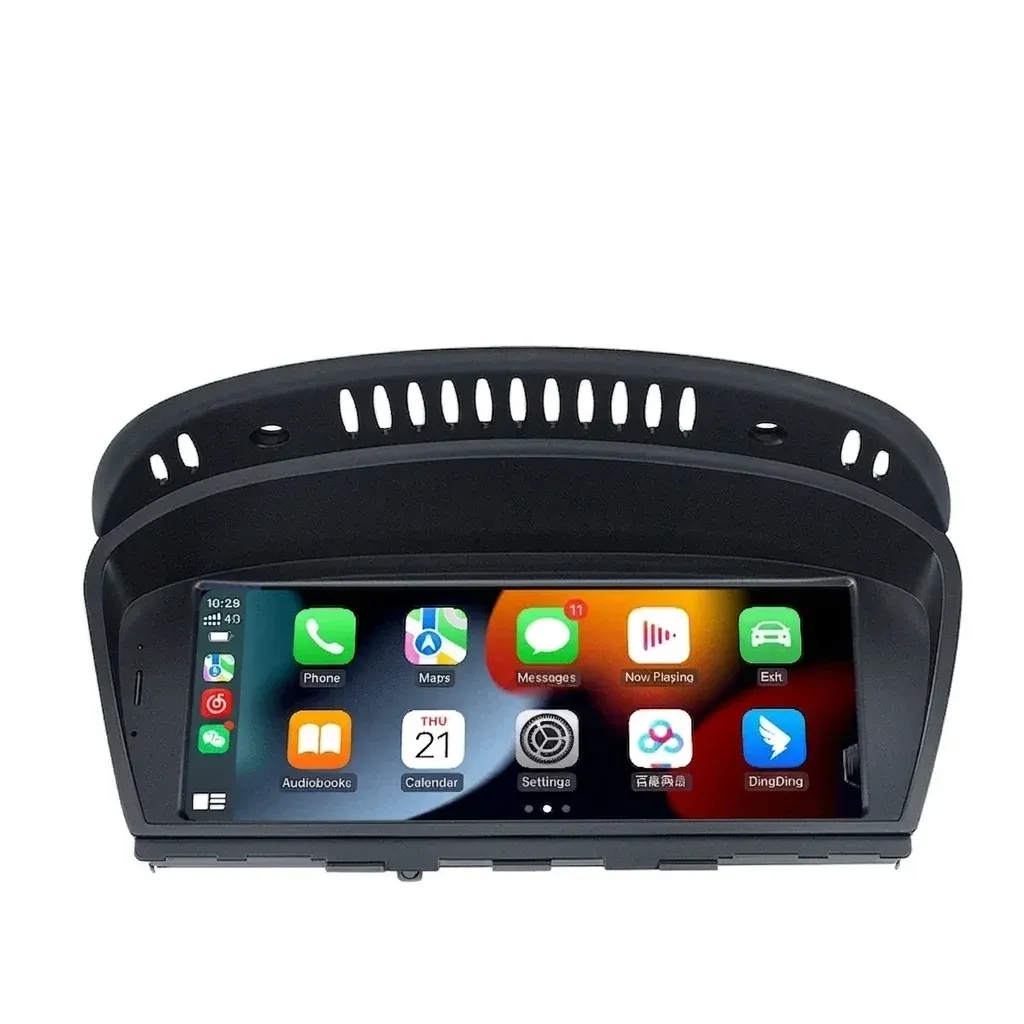
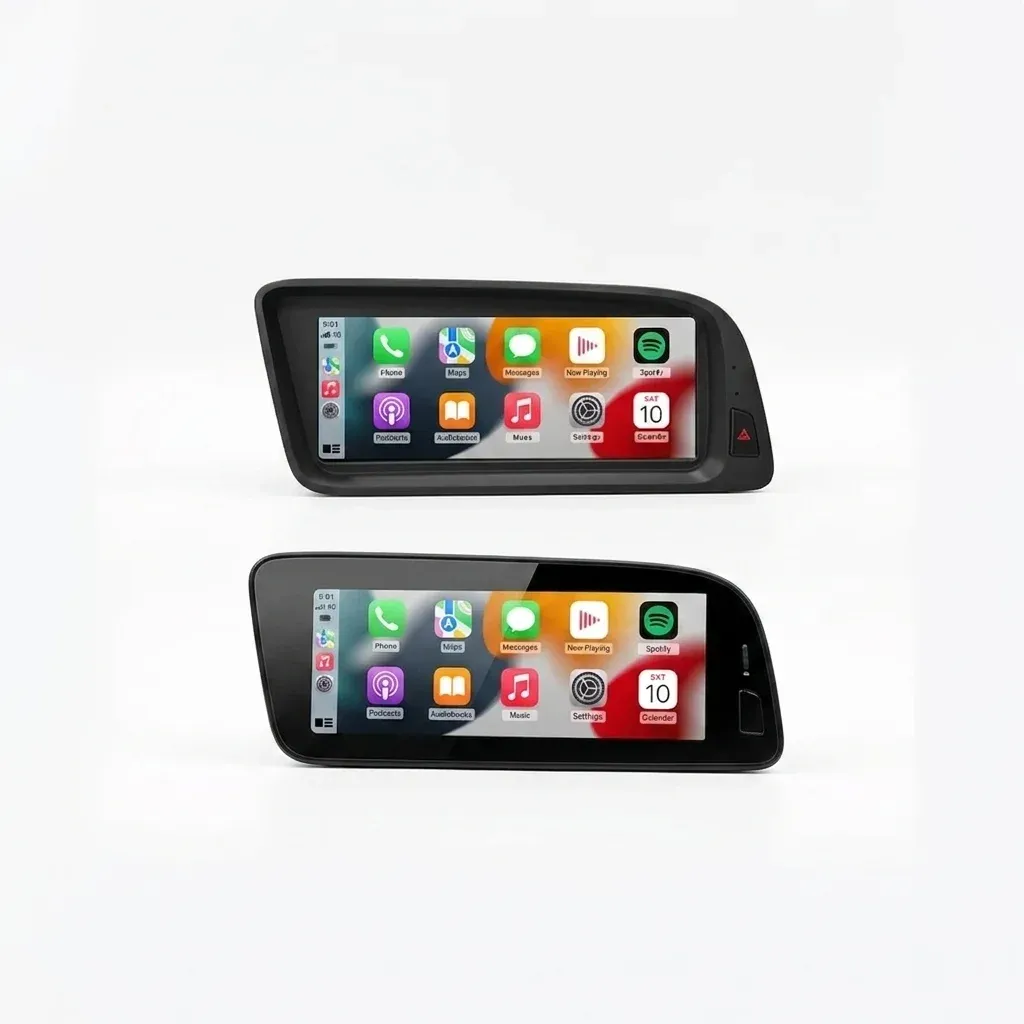
This product is not a universal add-on for every infotainment system, because it depends on the car already supporting wired CarPlay or wired Android Auto. The listing also points to support for specific Hyundai and Audi applications, so buyers should treat vehicle compatibility as the first filter before anything else.
Phone support is equally important: CarPlay works with iPhone 6 and newer on iOS 10 or later, while Android Auto requires Android 11 or above with wireless Android Auto support. Huawei EMUI devices are called out as unsupported for wireless Android Auto, which is a useful detail because it prevents a common mismatch before installation.
How it feels in daily use
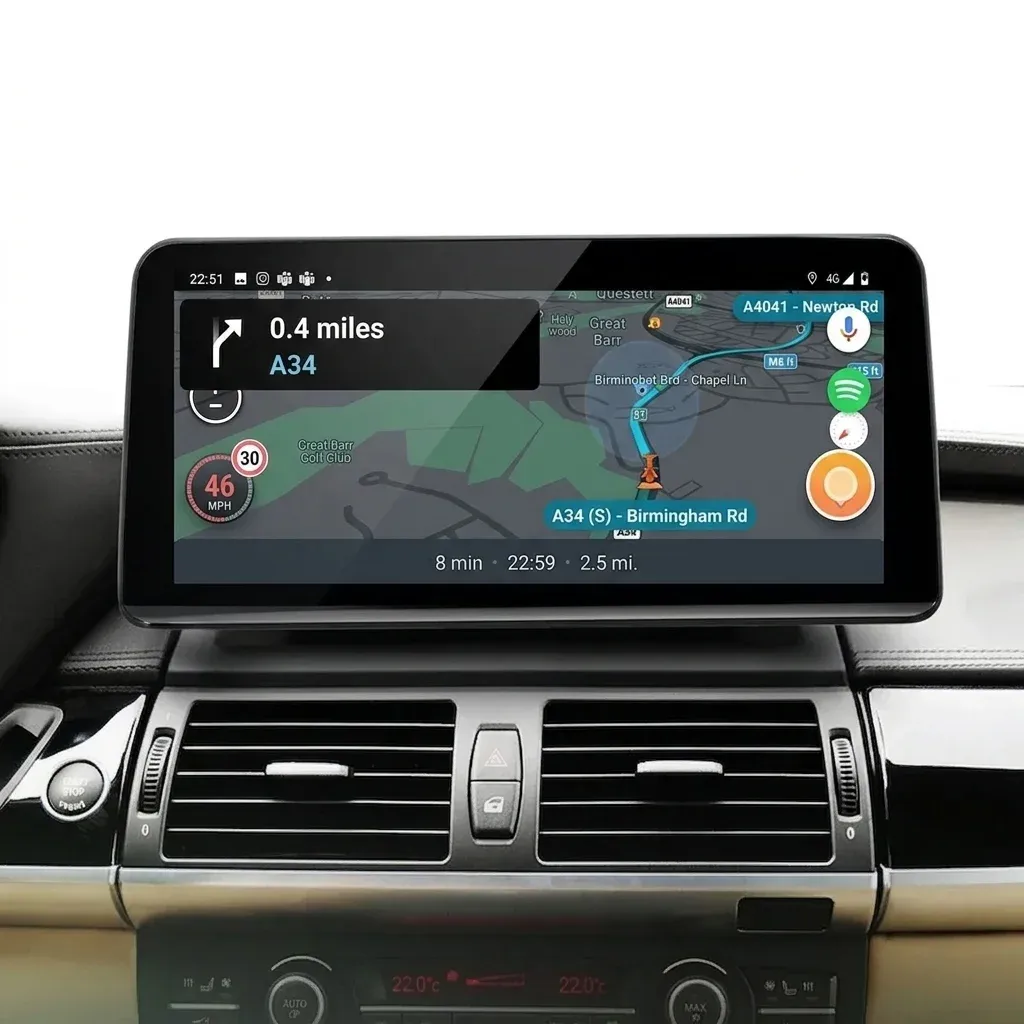
In use, the appeal is convenience rather than spectacle. A successful connection means the phone can stay in a pocket or bag while maps, calls, and music appear on the dashboard with the same clean interface users already know.
One real-world review noted that Android Auto displayed effectively, which is a good sign for the core job this adapter is meant to do. Another user pointed out a power-off delay after disconnecting, and that is worth noting because it suggests the device may not always shut down as quickly as the car itself.
Small size, small compromises
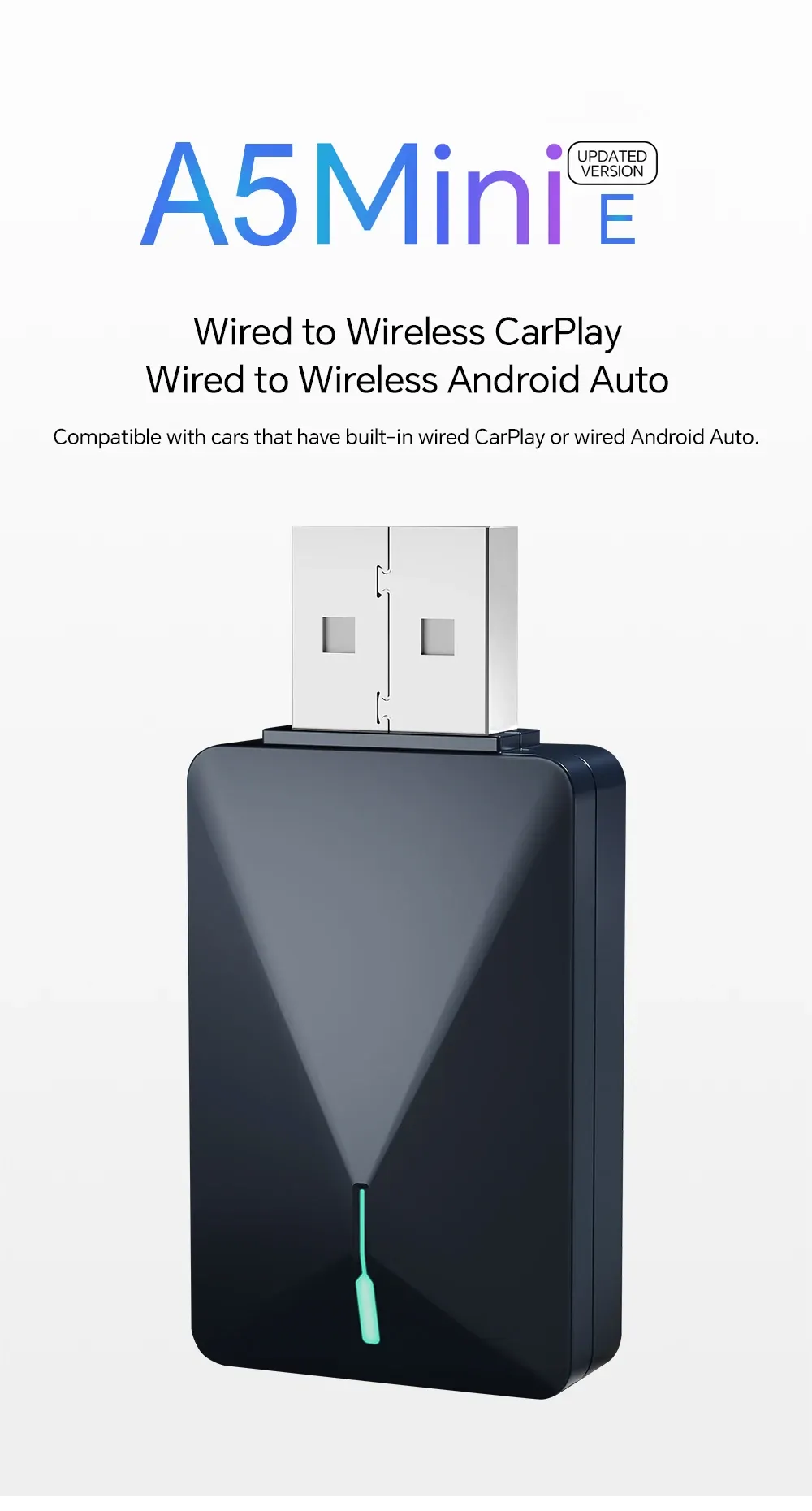
The mini form factor is one of the adapter’s best traits because it disappears once plugged in and does not clutter the dash. That makes it easier to leave installed permanently, especially in cars where exposed accessories tend to look out of place.
There is a trade-off hidden in that simplicity: the device can connect to only one mobile phone at a time, so it is not designed for multi-user switching on the fly. If your household expects seamless handoff between two active phones, a more advanced unit with richer memory management would be the better comparison point.
Who gets the most value from it
This adapter makes the most sense for drivers who already trust their factory infotainment system and only want to remove the cable. It is also attractive for shoppers browsing AliExpress United States who want a straightforward wireless upgrade without moving into the higher-cost AI box category.
For the listed price, the proposition is clear: keep the original screen, keep the original controls, and cut the cord. If your car and phone both meet the compatibility requirements, the remaining question is whether you prefer a lean adapter or a more feature-heavy alternative.