







One cable for two diagnostic workflows
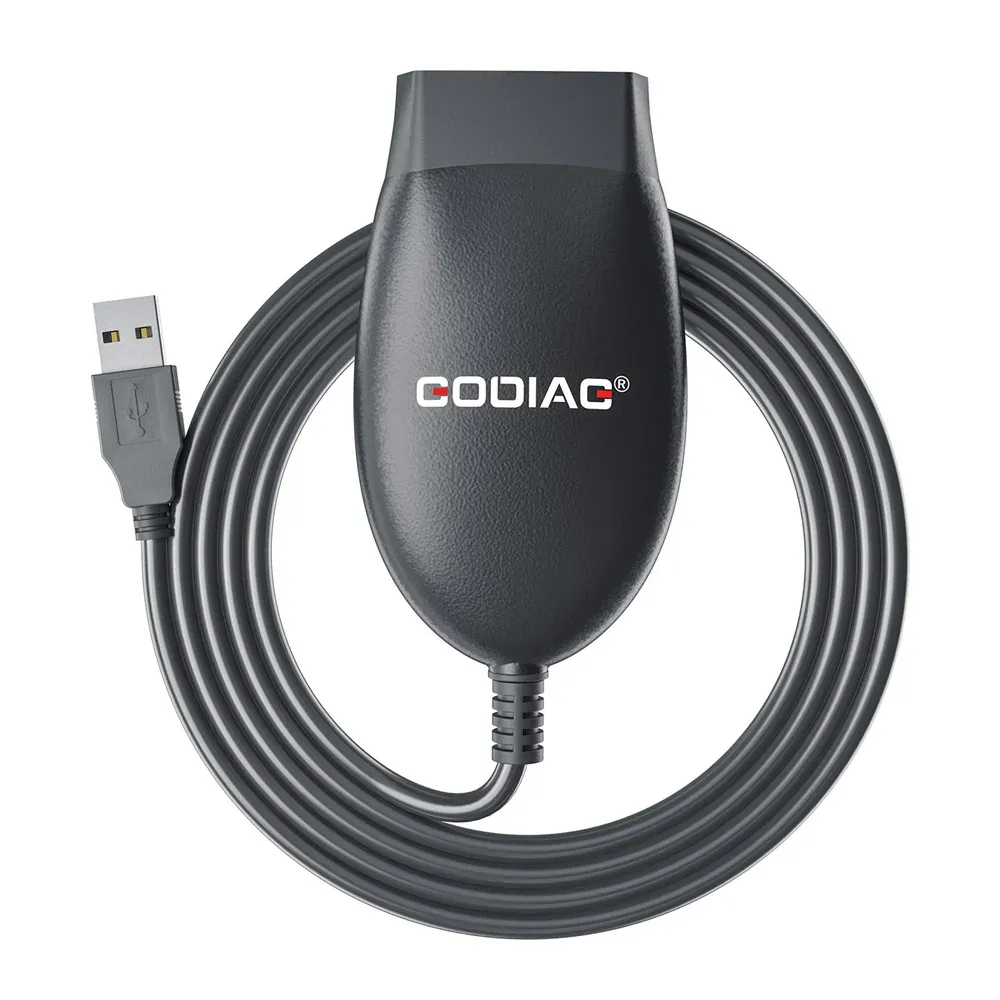
The GD101 solves a common workshop problem: switching between J2534 passthrough tasks and standard OBD2 scanning without carrying separate interfaces. Its automatic mode switching is the key convenience here, especially when you move from quick J1979 checks to software-driven reprogramming.
For AliExpress buyers building a budget-friendly diagnostic kit, that flexibility matters more than a long feature list. It cuts setup friction and keeps the workspace cleaner, which is exactly what you want when the next vehicle is already waiting.
What J2534 support changes in practice
J2534 compatibility is the part that gives this cable real workshop value, because it can sit between diagnostic software and the vehicle for passthrough communication. In practical terms, that means it is aimed at users who need a stable link for coding, flashing, or software-assisted service work rather than just reading generic fault codes.
The product description also points to faster communication and better stability during reprogramming, and that is the right direction for this category. A passthrough cable does not need to look impressive; it needs to stay consistent when the software session gets sensitive, and this model is built around that expectation.
ELM327 mode for everyday OBD2 checks
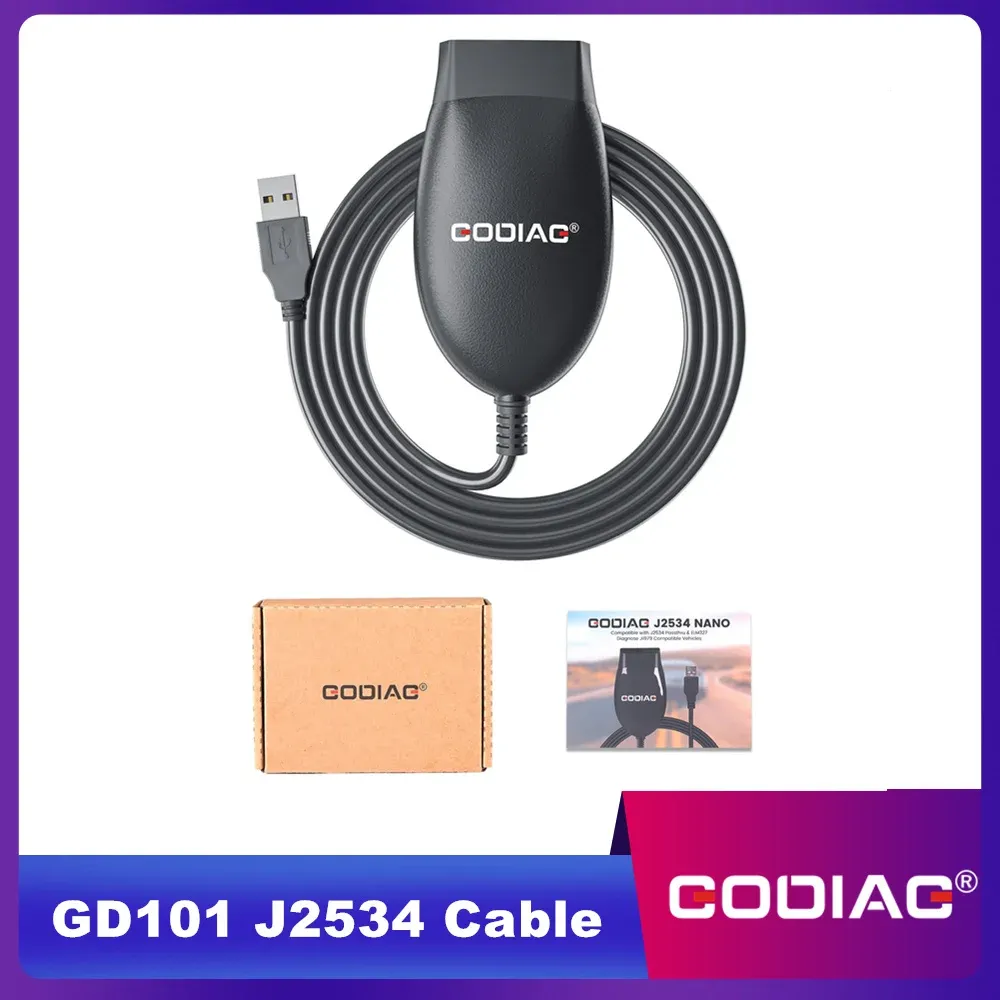
ELM327 support makes the GD101 more useful for routine diagnostics, since many users still rely on J1979-compatible apps for live data, emissions checks, and simple fault-code reads. That gives the cable a second life outside of specialist programming work, which is helpful if you service different vehicles or share tools across a small garage.
Users mention solid build quality and successful use with MUT-III on Mitsubishi, which is a good sign for brand-specific workflows. One review also noted that it is not ideal for every coding platform, so buyers should treat it as a capable interface rather than a universal answer for every software stack.
Software version V2.3 and Renault/Nissan support
The listed software version V2.3 and firmware V1.11 suggest a relatively current package for this price segment. The updated driver support for Renault and Nissan is especially useful because platform compatibility is often the hidden reason a cheap diagnostic cable sits unused in a drawer.
That said, software support is always the real test, not the label on the box. If your workflow depends on a specific OEM application, the safest approach is to confirm compatibility before you connect it to a live vehicle, because passthrough tools are only as good as the driver chain behind them.
Portable form factor, workshop-friendly value
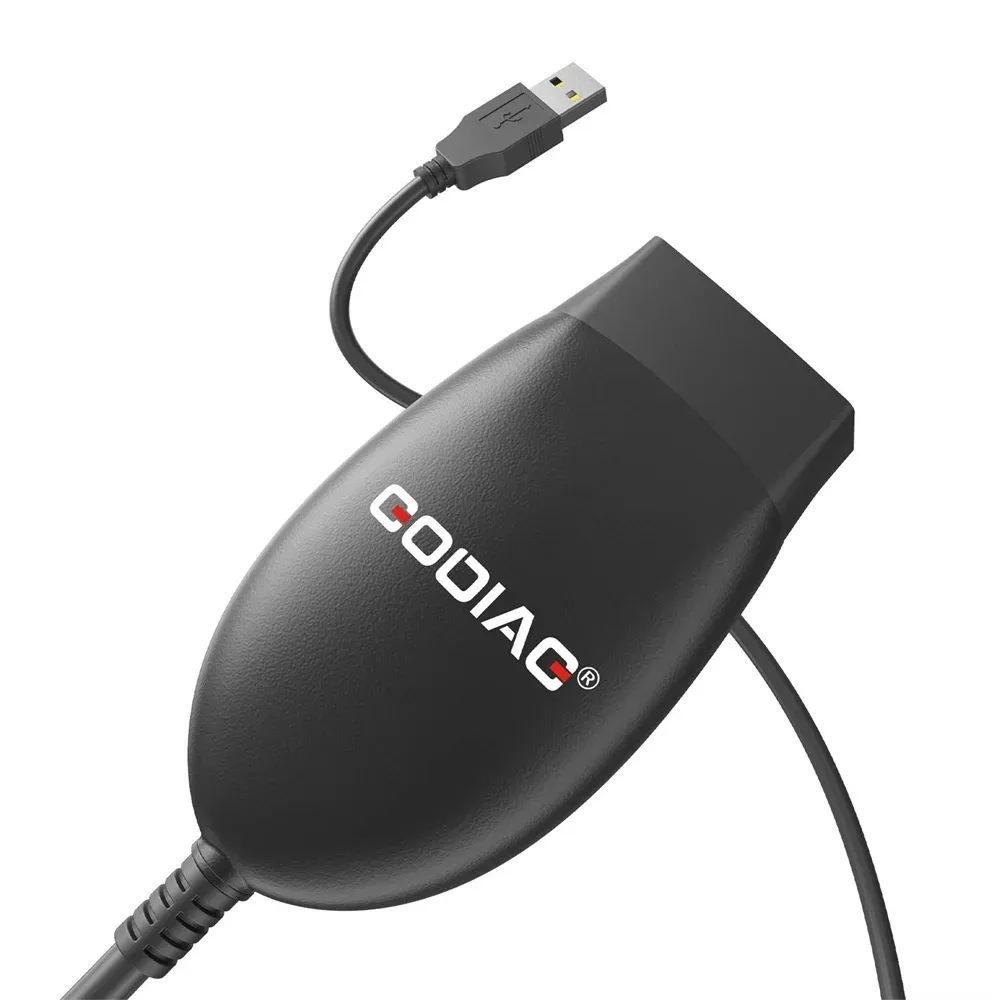
At $25.59, the GD101 sits in the entry-level range for a dual-mode diagnostic interface, yet it tries to cover tasks that usually require more than one adapter. The compact body makes it easy to keep in a glovebox, tool bag, or mobile service kit, which is useful if you move between vehicles during the day.
AliExpress United States readers looking for a low-cost bridge between generic diagnostics and more advanced software should see the appeal immediately. The trade-off is clear: it is a practical connector first, not a full-featured scanner with its own screen, so the value depends on the software you already use.
Who gets the most from it
This interface fits DIY mechanics, small repair shops, and enthusiasts who already have diagnostic software but need a cleaner hardware link. It is also a sensible pick for users who want one cable for routine OBD2 checks and occasional passthrough work instead of assembling a larger diagnostic stack.
If your main goal is simple fault-code reading, the GD101 may be more tool than you need. If you want one compact interface that can handle both everyday scanning and software-assisted vehicle communication, it becomes a much more interesting piece of kit, so what should you check before adding it to your setup?