







Why this Mazda 3 upgrade matters now
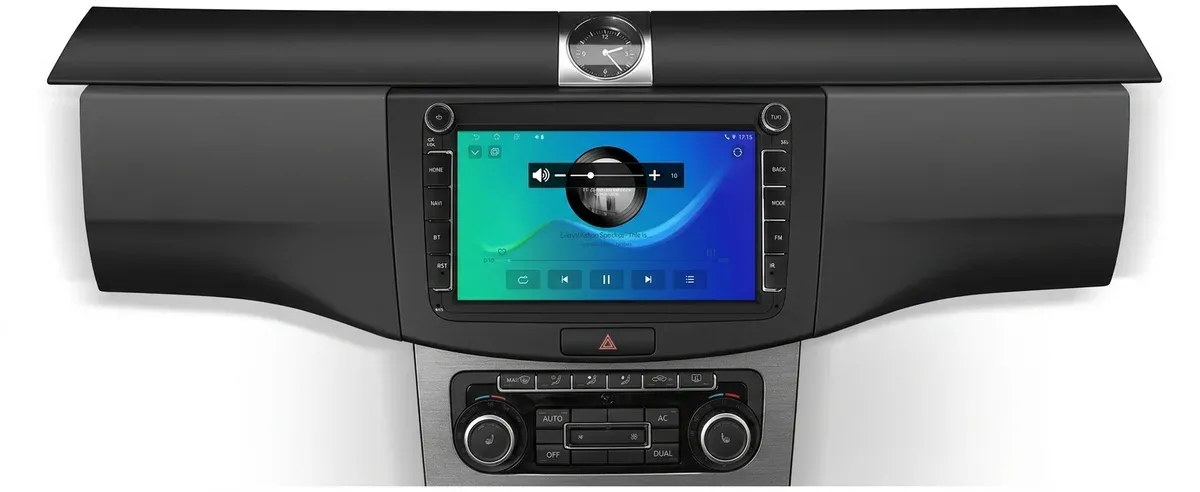
Older Mazda 3 dashboards usually fail in the same place: they still work, but they no longer keep up with phone-based navigation, streaming, and hands-free control. This head unit solves that gap by replacing the factory-style screen with a modern Android interface that feels far closer to a current OEM system.
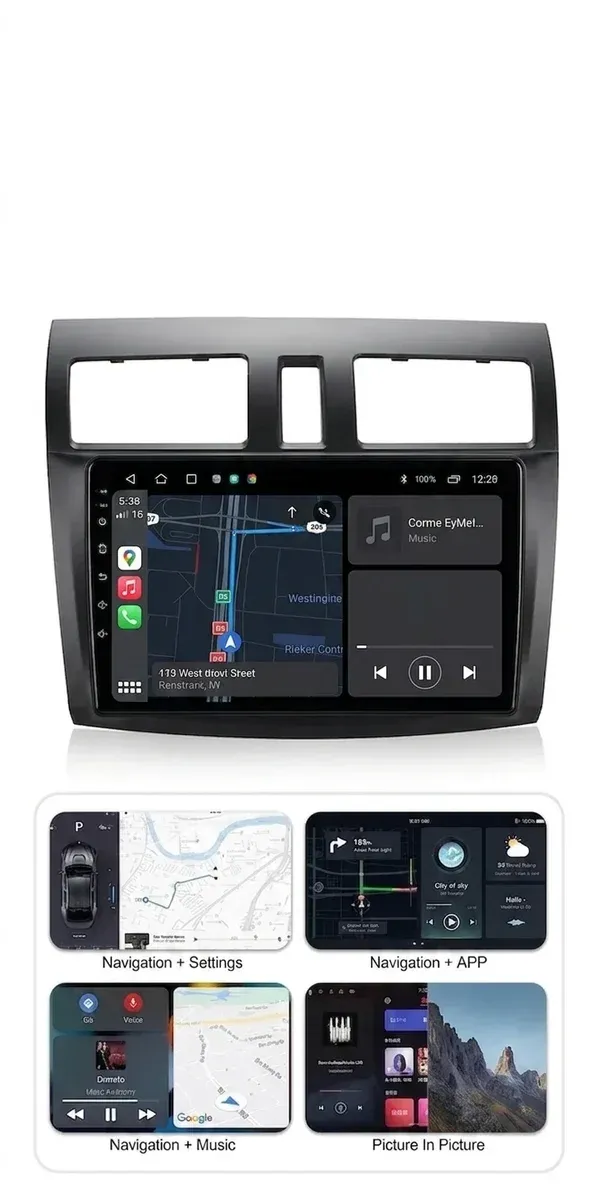
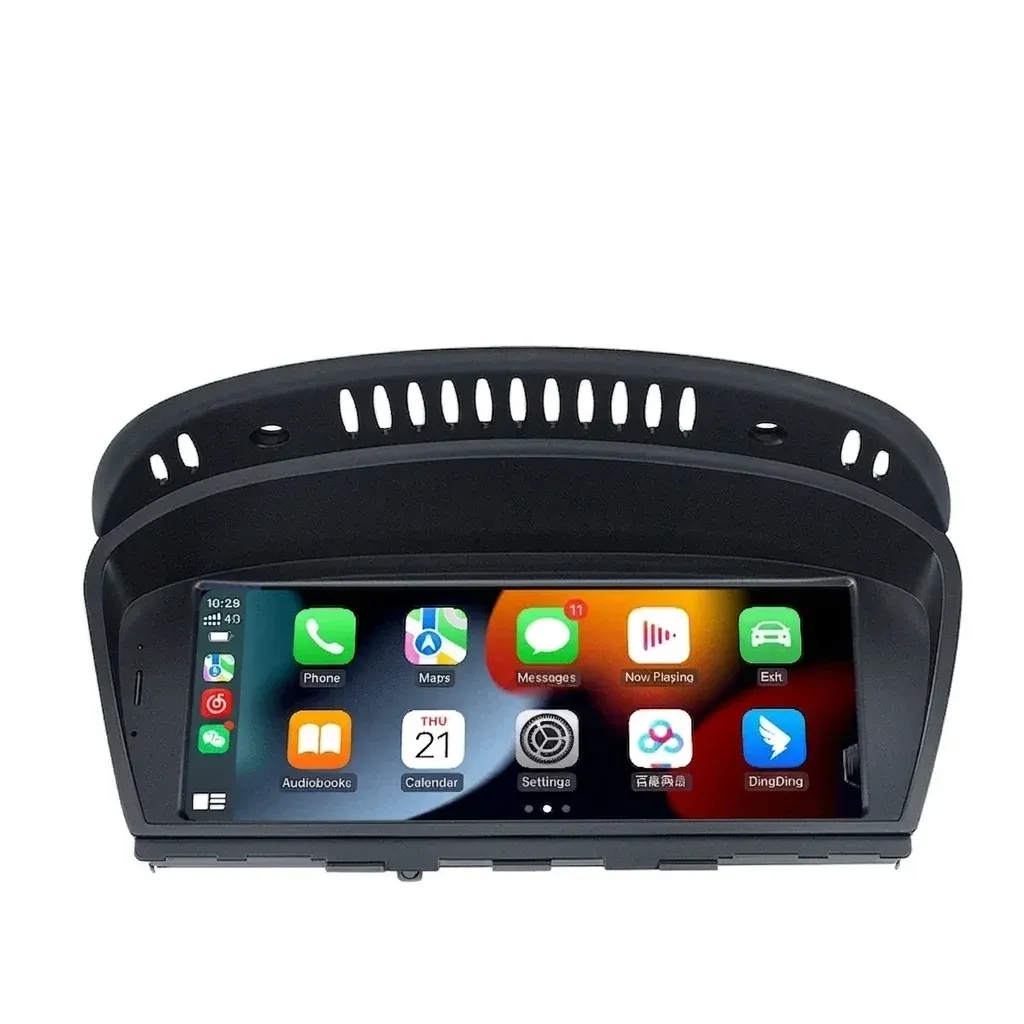
At this level, the appeal is not just the larger display. It is the combination of wireless CarPlay, wireless Android Auto, GPS navigation, and steering wheel control support in a unit that is meant to fit the Mazda 3 platform cleanly, so the next question is how well the hardware supports everyday use.
9-inch screen and 1280×720 clarity in daily driving
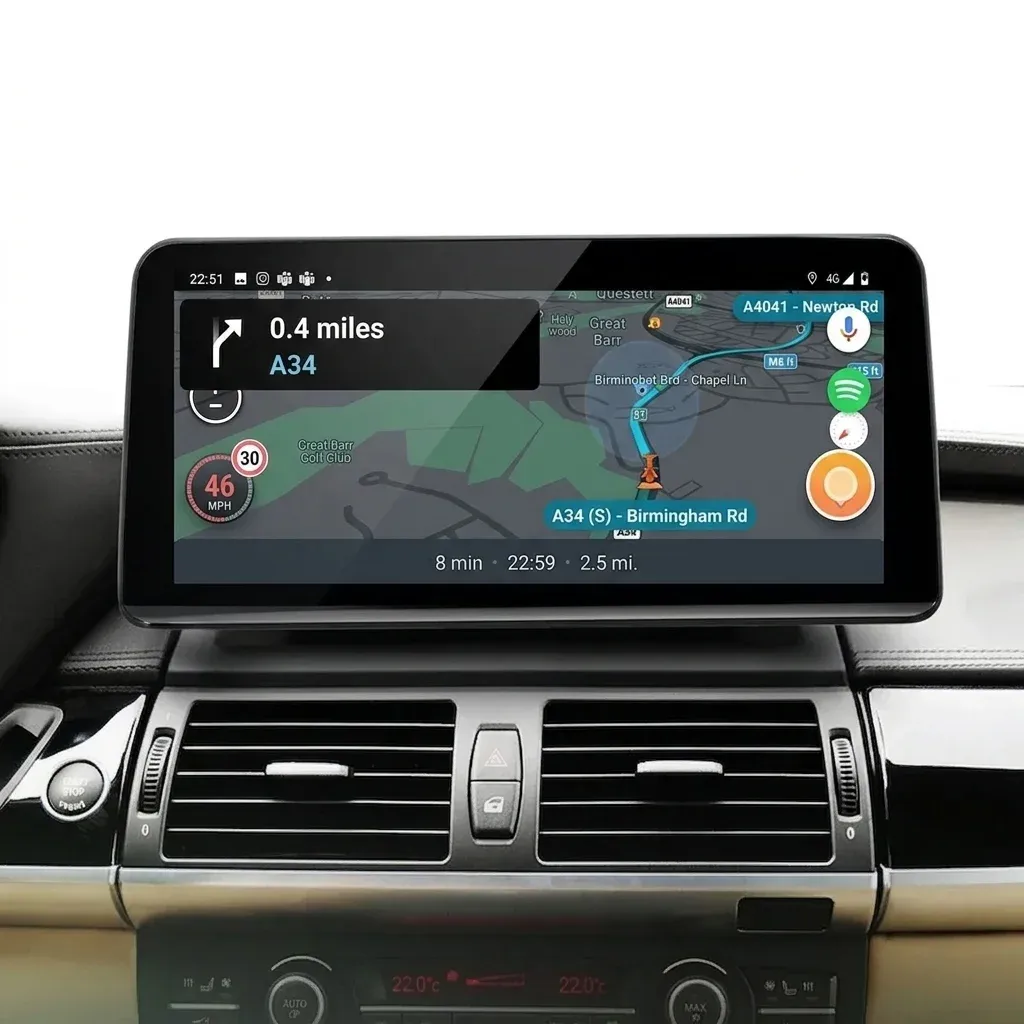
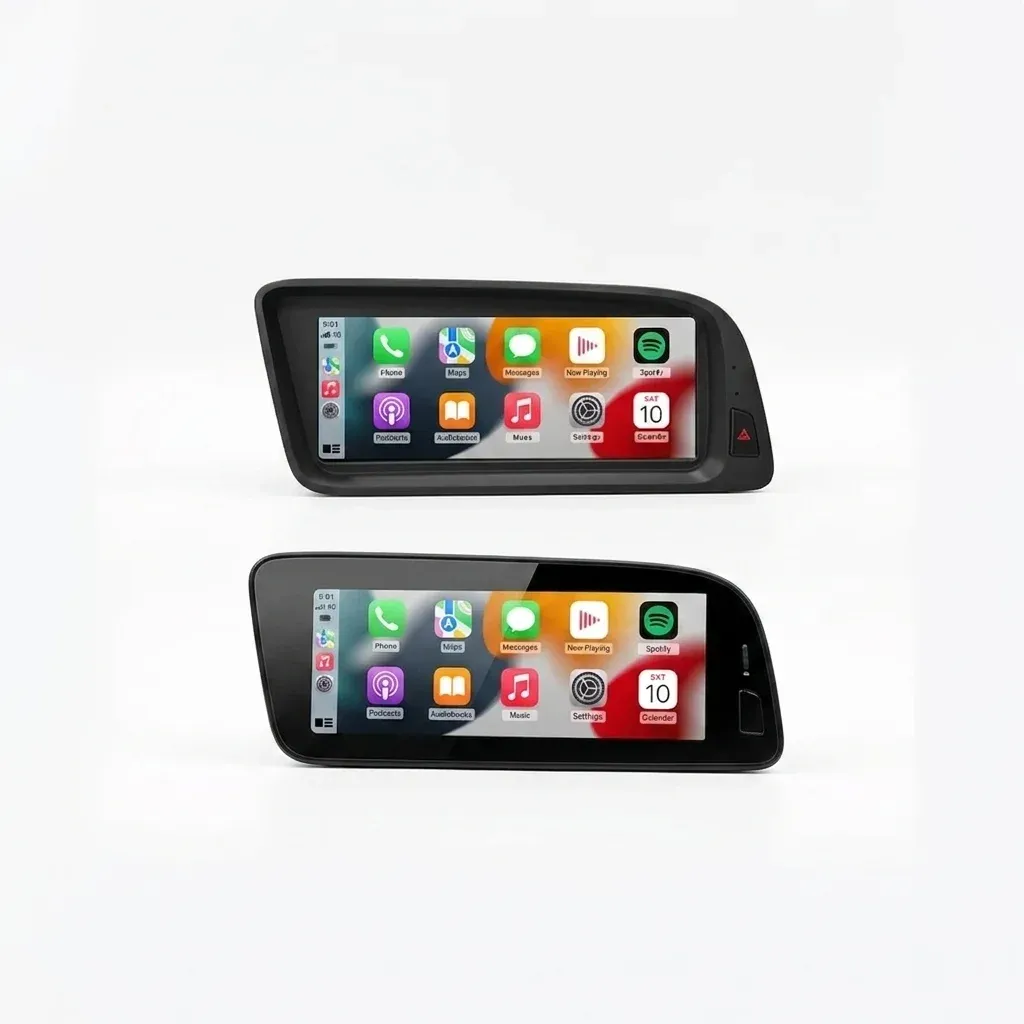
The 9-inch panel gives the cabin a more contemporary look and makes maps, album art, and camera feeds easier to read at a glance. With a 1280×720 panel in the standard configuration, text and icons stay legible without making the interface feel cramped, which matters when you are checking directions in traffic.
Some listings also mention a higher 2000×1200 resolution option, which suggests the platform can scale up depending on the chosen RAM and storage package. In practical terms, that means buyers should pay attention to the exact variant they get, because the visual experience may vary more than the product title implies.
Wireless CarPlay and Android Auto without the cable routine
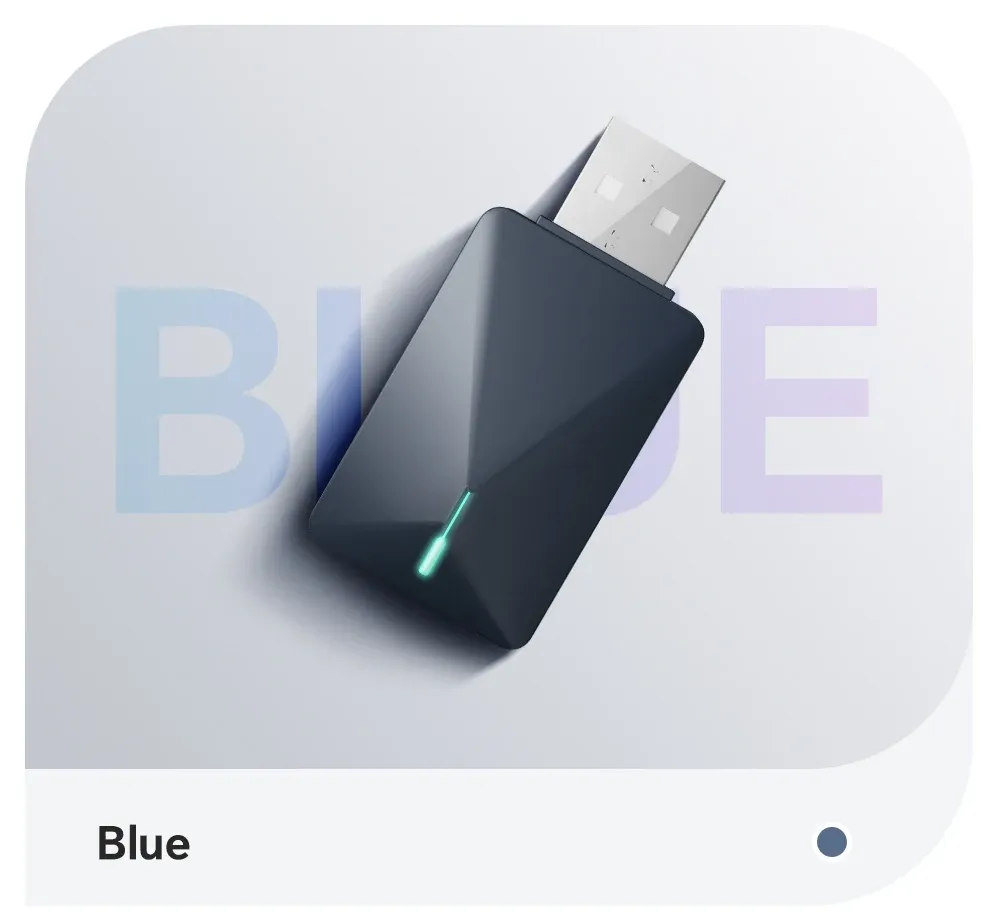
The strongest feature here is wireless phone integration, because it removes the small but constant friction of plugging in every time you start the car. Users in the reviews repeatedly mention smooth CarPlay pairing and quick operation, and that lines up with the unit’s Bluetooth 5.0 and Wi-Fi support.
Wired fallback is still available, which is useful if you want a stable connection for long trips or if wireless handoff takes a moment after ignition. For Mazda 3 owners who mainly want navigation, calls, and music from the phone they already use, this is the feature that changes the driving habit the most, but what about installation?
Plug-and-play fit, with one caveat for car-specific setup
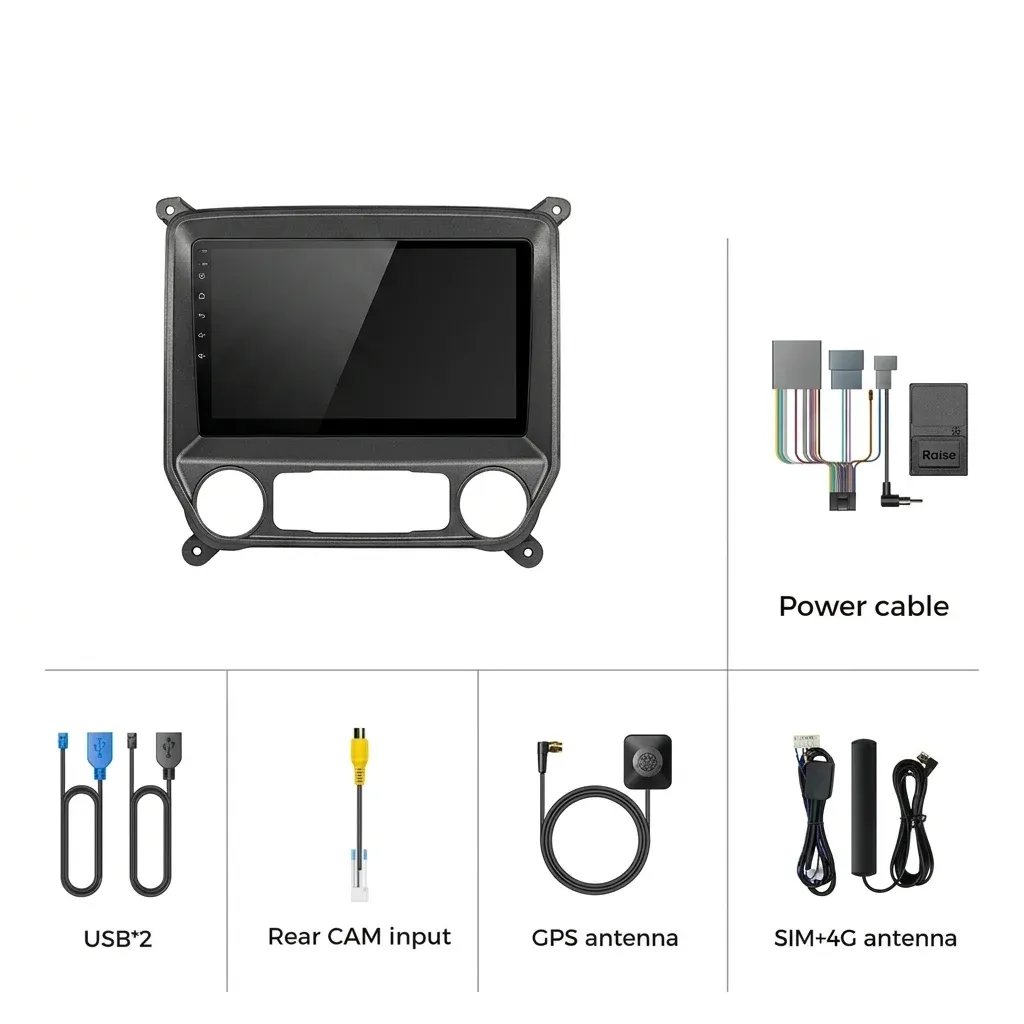
The advertised plug-and-play interface is the main reason this unit is appealing in the AliExpress car accessories segment, especially for owners who want a cleaner swap than a universal double-DIN project. Real customer feedback suggests installation is generally straightforward, and several users report that the unit becomes fully usable after matching the correct car settings and CAN-bus options.
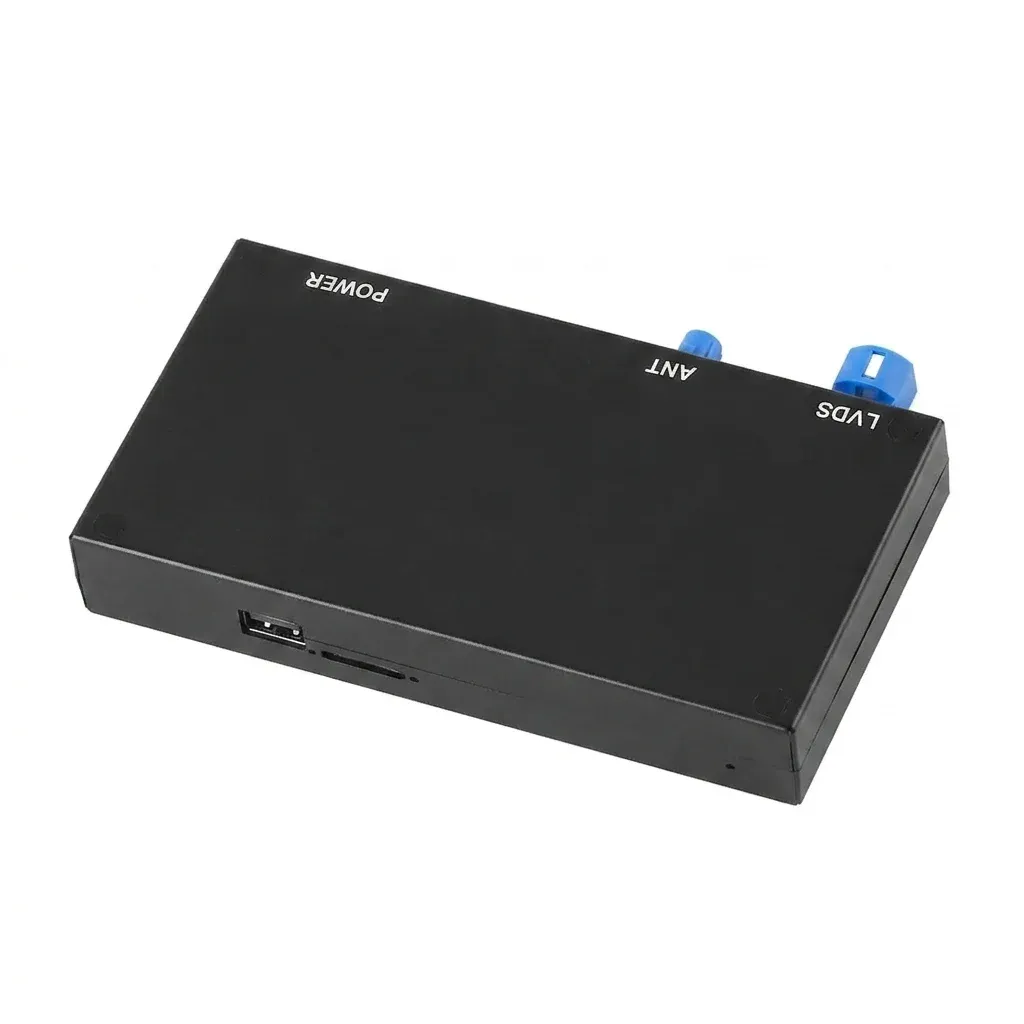
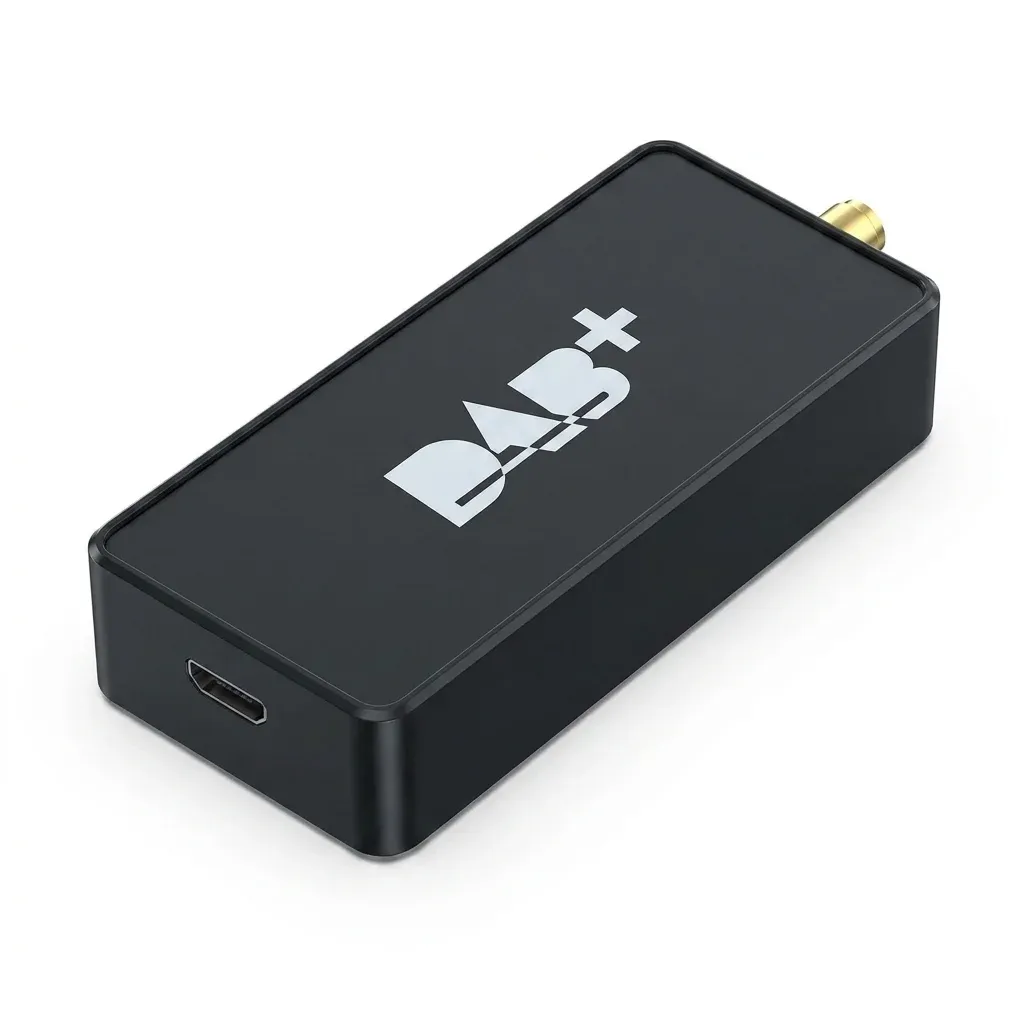
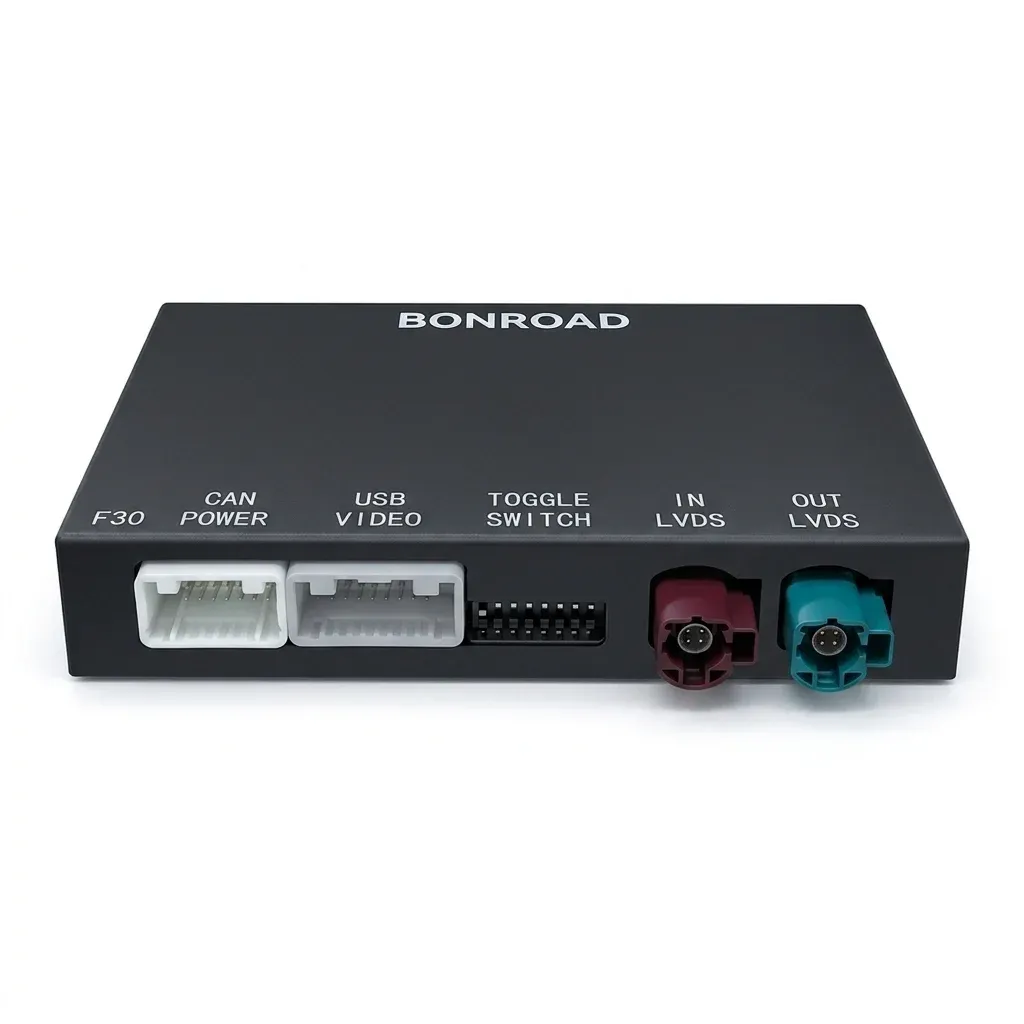
The catch is that Mazda-specific wiring and antenna adapters may still be needed depending on the original trim and audio layout. That is not unusual for retrofit head units, but it means the best results come from checking connector compatibility before installation day, especially if you want steering wheel buttons and radio reception to work properly.
Android hardware that fits the job, not a desktop fantasy
The platform is offered with 2GB to 8GB of RAM and 32GB to 256GB of storage, so the experience depends heavily on the configuration you choose. The better-balanced versions should feel more responsive when switching between maps, music, and split-screen apps, while the lower tiers are better suited to lighter use.
Power output is listed at 45W × 4, which is enough for a factory-style upgrade in most daily driving scenarios, though sound tuning will still depend on the vehicle speakers and amplifier path. If you care about audio shaping, the built-in DSP and EQ controls matter more than the raw wattage number, and that is where the software side becomes important.

Navigation, camera input, and split-screen convenience
Built-in GPS and free online map updates make this unit more useful than a basic media screen, especially for drivers who want on-board navigation as a backup when mobile data drops. Reversing input and support for a SONY camera also make it a practical match for parking in tight city spaces, where a clear camera feed saves time and stress.
Split-screen mode is a genuine quality-of-life feature because it lets you keep maps visible while controlling music or calls on the same display. That is the kind of feature that sounds small on paper but becomes hard to give up once you use it every day, so the real question is how well the system fits into the Mazda cabin.
What real users suggest about the ownership experience
Customer feedback is broadly positive, with repeated mentions of fast delivery, clear display quality, and stable Bluetooth or Wi-Fi behavior. The most common setup issue is not performance, but installation details such as antenna adapters, steering wheel key mapping, or the need to enter the correct CAN-bus settings.
That pattern is useful because it shows the unit is usually judged by integration rather than raw speed alone. For a retrofit screen at this level, that is the right lens: if the fit is correct and the settings are handled carefully, the result can feel close to an original Mazda upgrade rather than an aftermarket compromise.